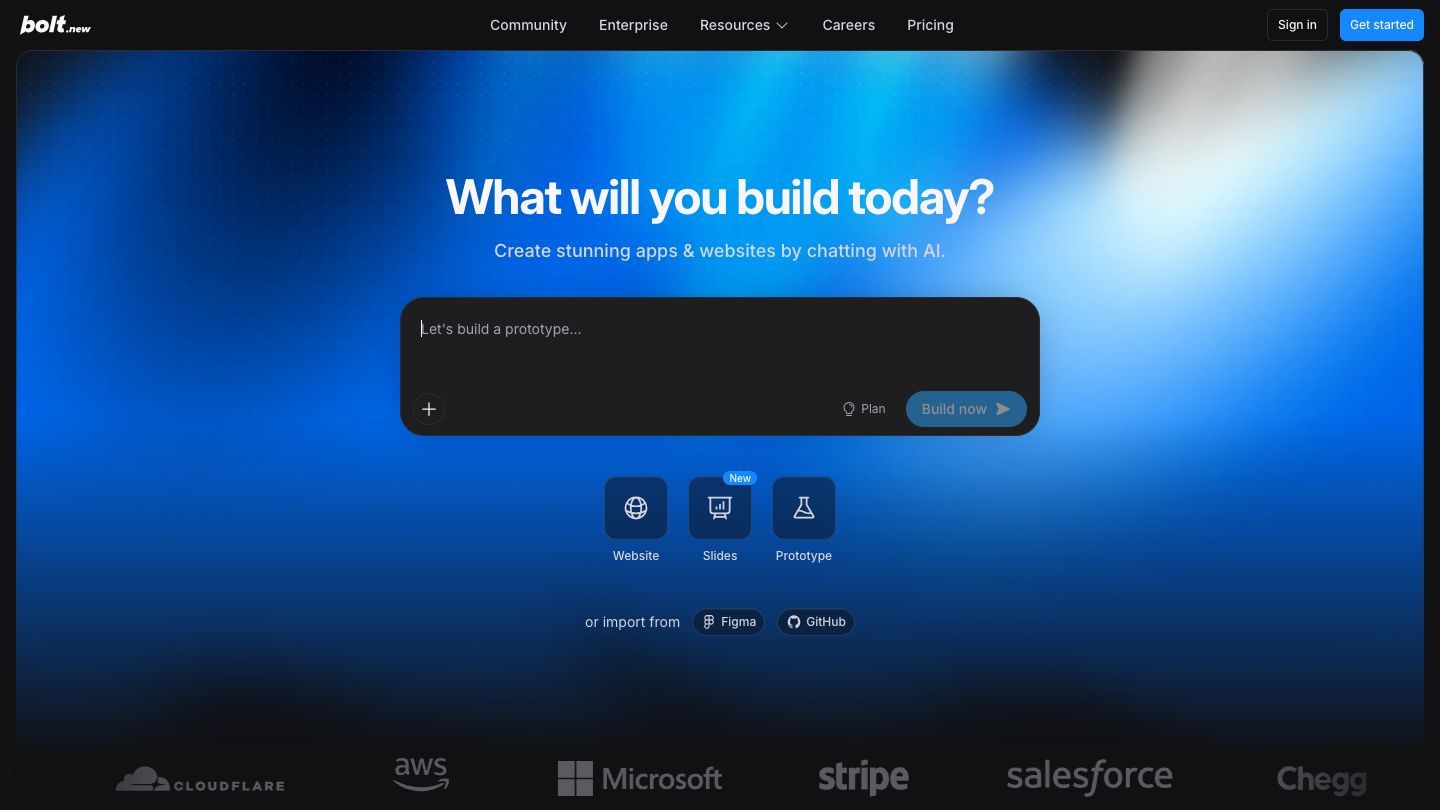

Bolt is an AI-powered app builder for turning a written idea into a working web project. You describe the outcome, watch the project take shape in a browser-based development environment, then keep improving it through conversation or direct code edits. It is a good way to get from “I wish this existed” to a prototype someone can actually try.
What Bolt is good for
Bolt is especially useful for small, clear web projects: a landing page, an internal dashboard, an intake form, a simple directory, or a product prototype. Bolt describes a workflow that goes from a plain-language brief to a browser preview and deployment, with support for backend features such as authentication, databases, and integrations when a project needs them. That makes it approachable for non-specialists, but it still rewards clear thinking about the person you are building for and the one job the first version should do.
Start with one useful flow
Avoid asking for “a complete marketplace” or “the next social network.” Start with one outcome that can be tested in a few minutes. A good first request names the user, the problem, the key screen or two, and the action that proves the idea works.
A prompt you can adapt
“Build a simple web app for a neighbourhood running club. Visitors should be able to see the next three runs, sign up with a name and email address, and receive a clear confirmation. Start with sample events and make the main action easy to use on a phone.”
Then improve it in this order:
- Make the main user action work from beginning to end before adding extra pages.
- Ask for real empty, loading, error, and success states—not just the ideal path.
- Use realistic examples of names, dates, and content before asking other people for feedback.
- Tighten the visual details after the flow is clear and testable.
How to give Bolt useful directions
The quality of a follow-up matters more than sounding technical. “Make it better” leaves too much for the AI to guess. Instead, describe the change and why it matters: “Keep the layout, but make the event date easier to scan and show a friendly message when there are no upcoming runs.” This is simply good product communication. You are giving the tool a clear decision to make.
Bolt’s generated project is not a black box: its official guidance describes editing generated code in the browser, then previewing and deploying the result. Use that visibility to learn. Look at the project structure, ask Bolt to explain a change before accepting it, and keep a note of the assumptions you need to test with real users.
When a prototype becomes a real app
A polished screen is not the same thing as a reliable service. Once you add accounts, saved data, payments, files, or an external API, slow down and test the pieces that can affect people. Review who can access each kind of data, use test accounts, and keep secrets such as API keys out of prompts and client-side code.
Before you share a live link
- Test the experience on a phone as well as on your own laptop.
- Try intentionally bad inputs, duplicate sign-ups, and a missing network connection.
- Check that private data and administrator actions are protected by real permissions.
- Ask a technical teammate to review authentication, database rules, payments, and external integrations before launch.
Pricing and access
Bolt has a free plan alongside paid Pro, Teams, and Enterprise options. The current pricing page explains that usage is measured in tokens and that plan limits and allowances differ, so check the live plan details before estimating a project’s cost. A small, focused first prototype is also the easiest way to learn how usage behaves in practice.
Bolt in the terminal
Bolt also documents a CLI beta for pushing, pulling, and automating Bolt work from a terminal. That can be useful once you are comfortable with the browser workflow and want to bring repeatable actions into your normal development process. Check its current access requirements before planning around it.
The “don’t fall behind” habit
Pick one small frustration from this week and make a rough solution: a client request form, a team directory, an event sign-up page, or a dashboard that answers one recurring question. You do not need to become an engineer overnight. You need enough hands-on experience to recognize when an idea is ready to become a testable thing instead of another item on a wish list.