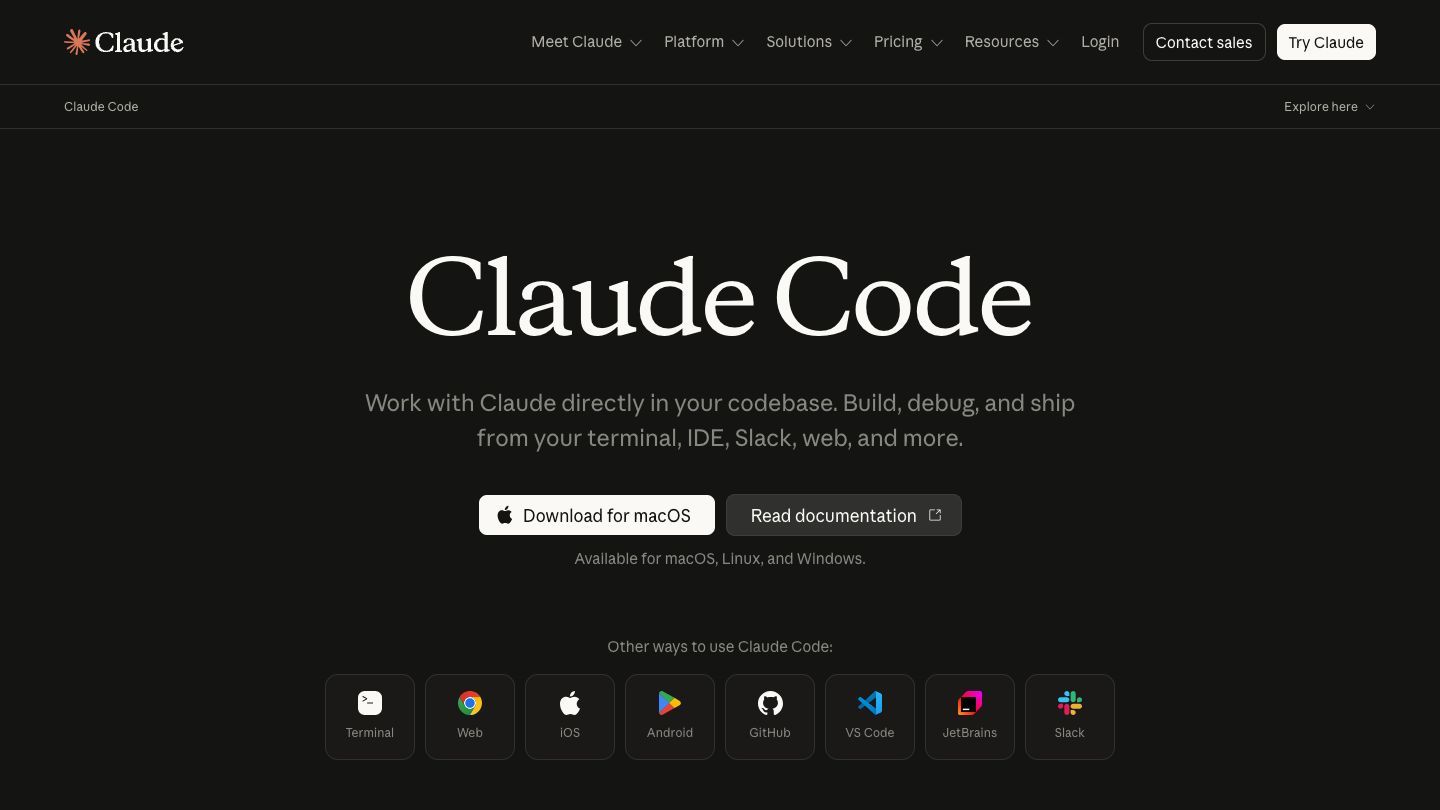

Claude Code is Anthropic’s agentic coding tool for working directly in a terminal. It can explore a codebase, help plan changes, edit files, run commands, and support everyday development work without requiring you to move your project context into a separate chat.
Getting started
Install Claude Code using Anthropic’s official setup guide, open a terminal in the repository you want to work on, and start a session. Give it a concrete first task—such as explaining a subsystem, locating an error, or proposing a small change—then review its plan and edits before accepting them.
Where it helps most
Claude Code is particularly useful for understanding unfamiliar repositories, tracing bugs, making focused changes, writing or updating tests, and handling routine Git work. Anthropic’s common tasks guide covers examples such as searching a codebase, diagnosing failures, and automating development workflows.
A practical workflow
Start with a narrow outcome and the relevant constraints, such as the files to avoid, test commands to run, or conventions to preserve. Ask Claude Code to inspect and explain its approach before it changes a broad area. For meaningful changes, have it run the appropriate checks, inspect the diff yourself, and keep commits small enough to review easily.
Use it responsibly
Treat the tool as a capable collaborator rather than an autopilot. Review code, commands, dependency changes, and any actions involving credentials or production systems. Clear prompts, explicit guardrails, and normal code review practices will produce the most reliable results.