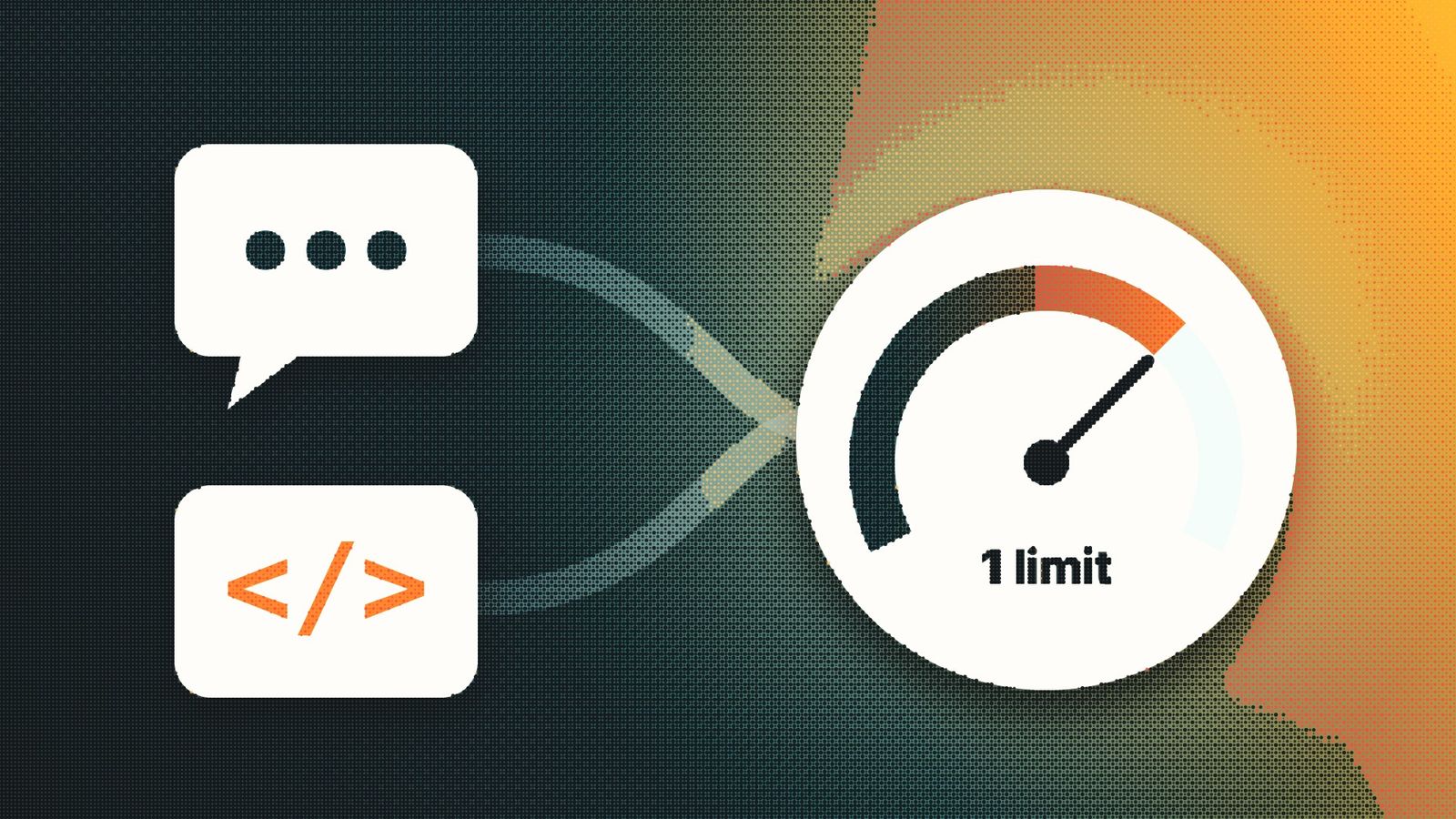

If you pay for ChatGPT and also use Codex, OpenAI's coding agent, you have so far had two separate meters to keep an eye on: one for chatting and one for coding. That is about to change.
OpenAI updated its help page on usage limits on October 31. From December, Plus, Pro and Business plans will get one shared allowance that covers both ChatGPT and Codex, measured in tokens.
What actually changed?
Today, conversations with ChatGPT's advanced models have their own limits. Codex and the agent-style tools, such as ChatGPT Work, ChatGPT for Excel and workspace agents, already draw from a common pool.
In December those two buckets merge. A long coding session in Codex and a long research conversation in ChatGPT will both count against the same allowance.
OpenAI ties the change to its plan to move the agent features of Work into the main ChatGPT app. When one assistant can chat, write code and carry out tasks, separate meters make less sense.
Who is affected?
The change applies to Plus, Pro and Business subscribers. Quick replies from the Instant model will not count toward the shared allowance, so short everyday questions should not eat into it.
What we don't know yet
OpenAI has not published how many tokens each plan gets, or how often the allowance resets. The company says it is preparing carefully and expects most people will not have to wait for a reset more often than they do today. That is a promise, not a number.
Some of OpenAI's own pages also don't fully line up yet. A separate page about Codex limits still describes the current five-hour windows, so expect details to shift before December.
Why this matters
Consider a freelancer on Plus who spends the morning using Codex to fix a client's website and the afternoon asking ChatGPT to draft proposals. Today, a heavy coding morning leaves the chat limit untouched. From December, it won't.
The upside is flexibility. Someone who rarely codes can spend more of the allowance on chat, and a developer who barely chats gets more room for Codex.
When the shared allowance runs out, OpenAI says you can wait for a reset, upgrade to a bigger plan or buy credits to keep going.
What to check before December
Once the change goes live, open Settings > Usage in ChatGPT to see the combined allowance and when it resets. If you rely on heavier models for chat or coding, note how quickly a typical day of work uses up your limits now, so you have something to compare with.
And wait for OpenAI's numbers per plan before deciding to upgrade or downgrade. The real impact depends on figures the company has not shared yet.


