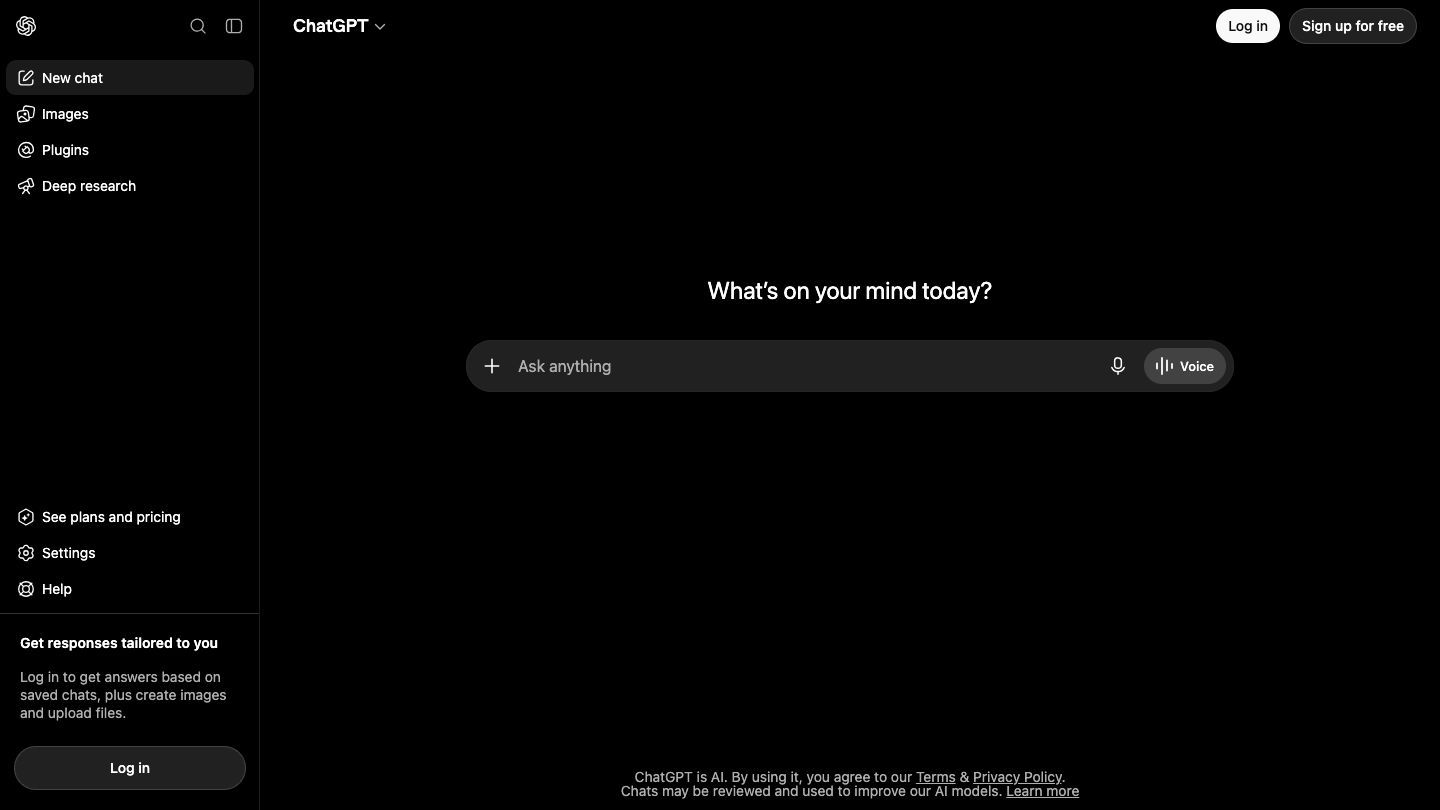

ChatGPT is a conversational AI assistant for the everyday work that starts with thinking: understanding something, drafting a first version, planning, comparing options, analyzing a file, or turning a rough idea into something you can act on. The most useful way to approach it is not as an oracle, but as a fast thinking partner whose output you still check.
What ChatGPT is good for
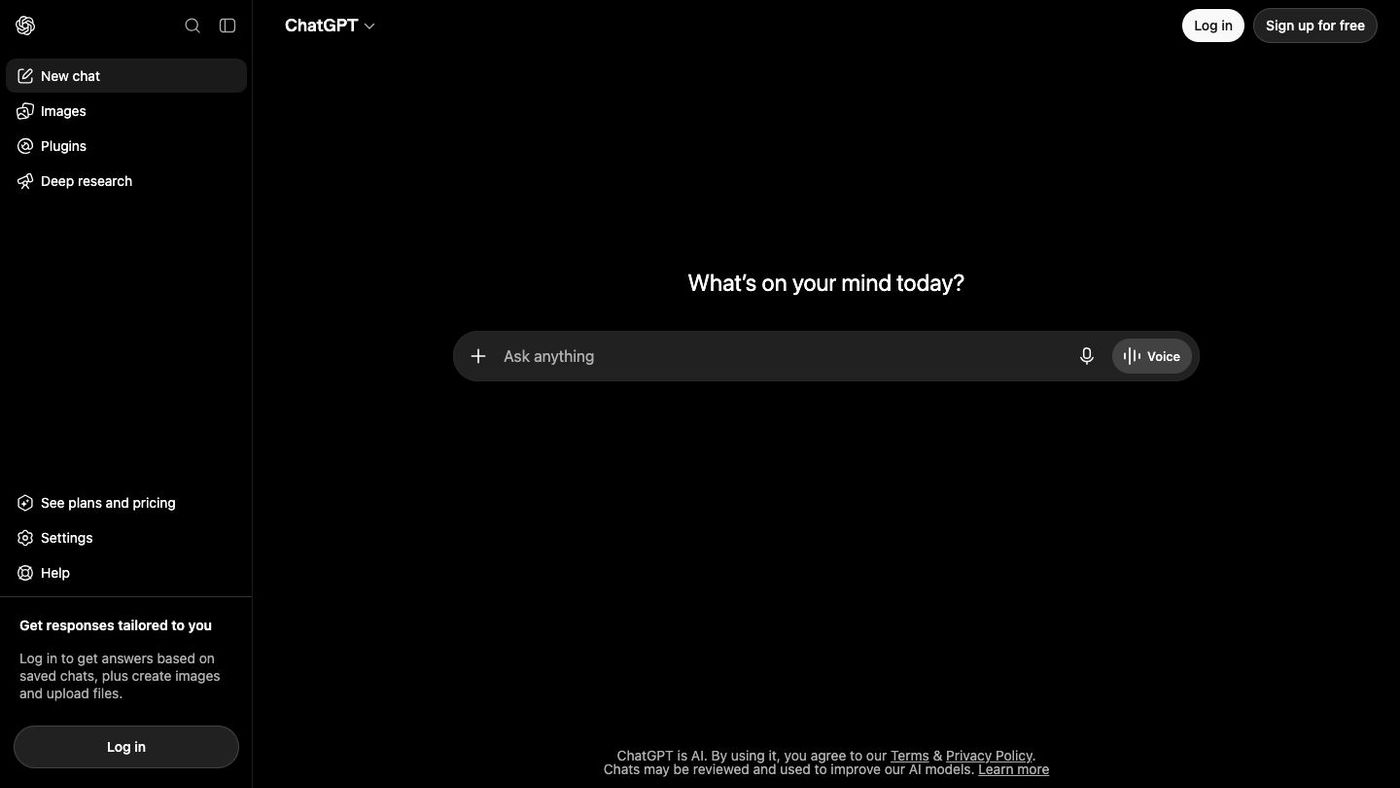
ChatGPT can help explain concepts, draft and revise text, brainstorm, translate, solve problems, and work with conversations that retain relevant context. Depending on your plan and settings, it can also use tools such as web search and file or image analysis. It is a good first AI tool for people who want to move from “I have a question” to “I have a useful first draft” without learning a complicated workflow.
Start with a small, real task
The best first prompt is connected to something you already need to do today: understand a confusing email, turn notes into an outline, prepare for a meeting, or compare two options. Give ChatGPT enough context to be useful, then ask for a format that makes the response easy to review.

A prompt you can adapt
“I need to explain this project update to a non-technical client. Rewrite the notes below in plain language, keep the tone calm and direct, and separate what is finished, what is next, and what needs a decision. If anything is unclear, ask me a question instead of guessing.”
Four details that improve almost any prompt
- The goal: what you want to have when the conversation is done.
- The audience: who will read, use, or decide from the result.
- The context: notes, constraints, examples, or source material that change the answer.
- The format: bullets, a table, an email, a plan, or a list of open questions.
Know when to start fresh
Use the same chat when you are improving one piece of work and the earlier context still matters. Start a new chat when you are switching topics, working with a different audience, or want a clean point of view. A fresh chat makes it easier to spot when you have not supplied the information the next task actually needs.

Three useful conversation patterns
- Explore: ask for a short explanation, a few options, and the trade-offs between them.
- Make: provide a brief, examples, and a target format, then edit the draft together.
- Check: ask it to identify assumptions, missing information, counterarguments, or questions to resolve before you act.
Use a review loop
Treat the first response as a draft. Ask for one focused improvement at a time—shorter, clearer, more practical, more skeptical, or better suited to a specific reader. For facts that could change, ask ChatGPT to search and cite sources, then open the important sources yourself. Do not rely on it alone for legal, medical, financial, safety-critical, or otherwise high-stakes decisions.
Good habits to build
- Keep sensitive personal, client, or company information out of a chat unless your workspace and data controls are appropriate for it.
- Check names, dates, numbers, quotations, and source claims before you send or publish anything important.
- When a task matters, provide the source text and ask for uncertainties or missing information to be flagged.
- Save the prompts and structures that work well for your recurring work.
Plans, apps, and the API
ChatGPT has a free option plus paid individual, business, and enterprise plans, with features and limits that vary by plan. It is available on the web, iOS, Android, macOS, and Windows. OpenAI also provides a separate developer API for teams building their own AI-powered products and workflows. Check the official pricing and product documentation before choosing a plan or designing a workflow around a particular feature.
The “don’t fall behind” habit
Pick one low-stakes task this week and do it with ChatGPT beside you. Ask it to create a first draft, review it against your own judgment, and improve it once. You do not need to hand over your work; you are learning where a faster first pass genuinely helps—and where your experience still matters most.