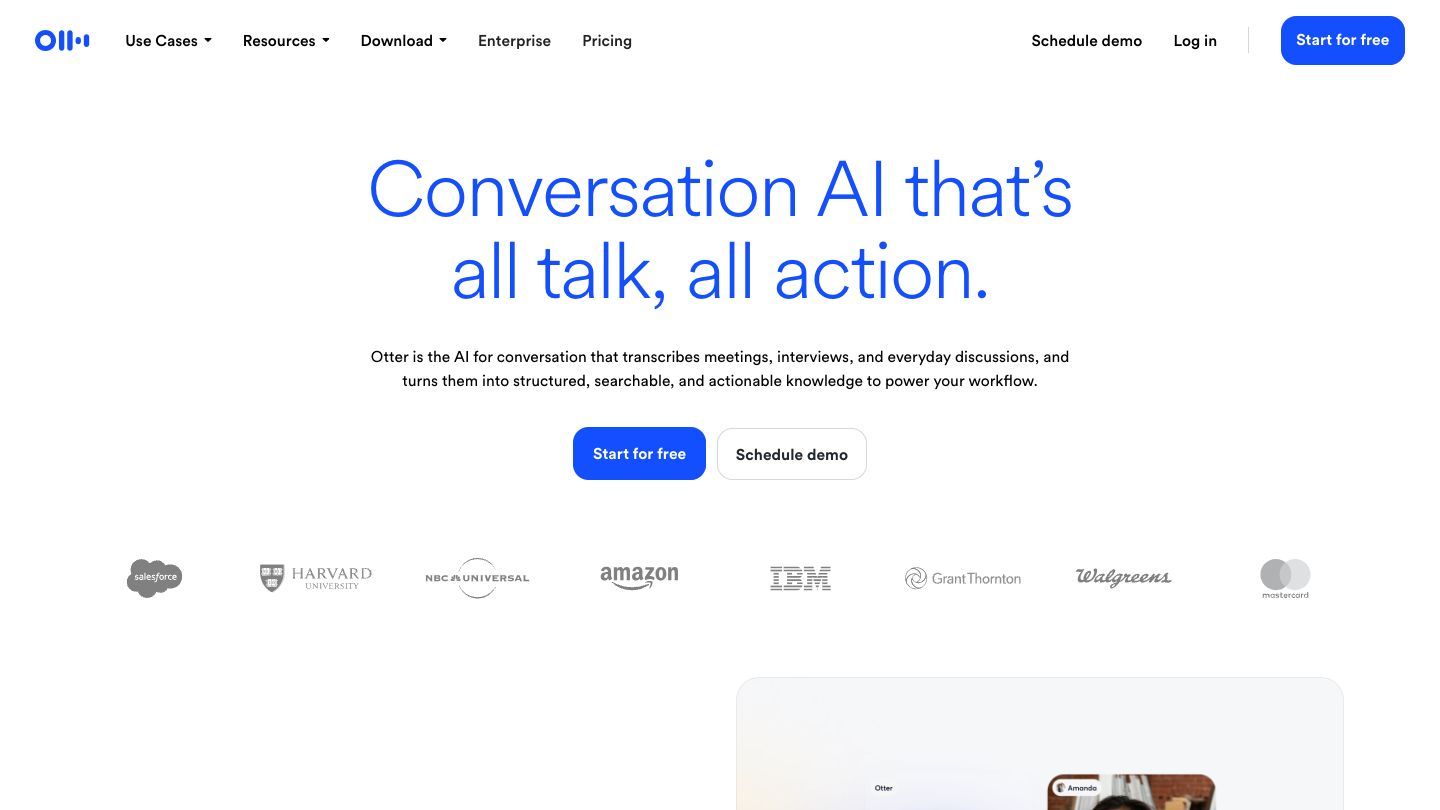

Otter.ai is an AI meeting assistant that can capture a conversation, turn it into a searchable transcript, and help you pull out summaries, decisions, and follow-up items. It is most useful when meetings create information you need to find later—not when you simply want another recording to ignore.
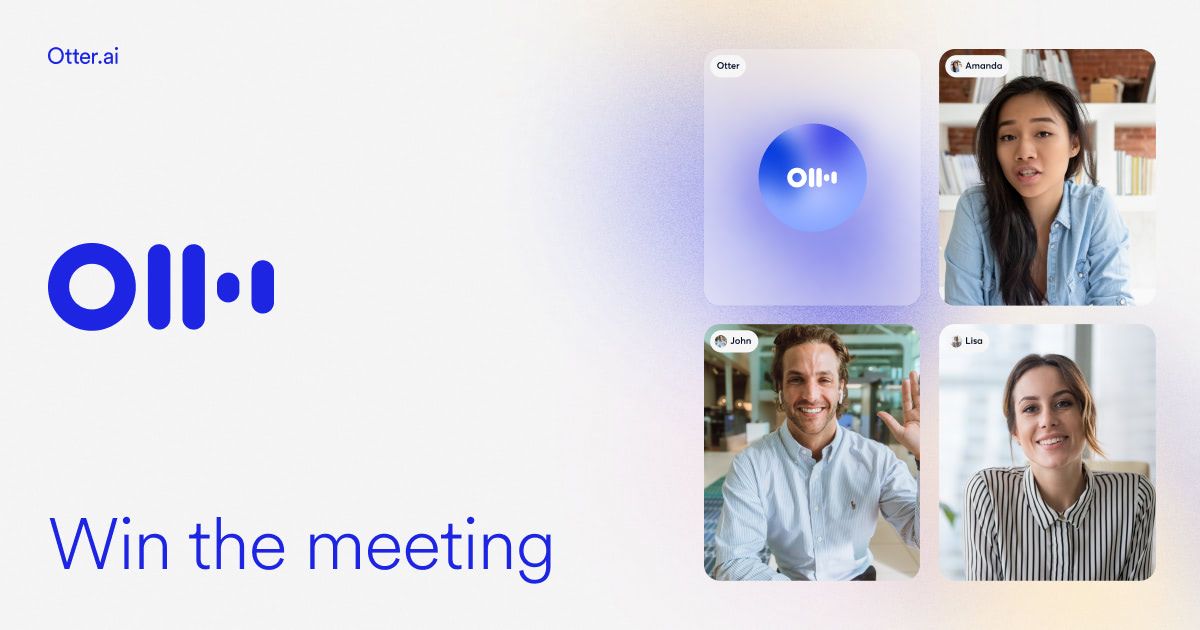
What Otter.ai is good for
Use Otter for recurring team meetings, customer calls, interviews, lectures, or project check-ins where a reliable written record would save someone from taking notes alone. Its product includes live transcription, speaker identification, recording playback, AI chat, and workflows that help turn a conversation into something a team can revisit. The best outcome is not a perfect transcript; it is a shared place to find what was decided and what happens next.
Start with one meeting that already matters
Choose a weekly planning meeting or customer call with clear outcomes. Before it starts, decide what you want to be able to retrieve afterwards: decisions, owners, deadlines, objections, or open questions. That small intention makes it much easier to judge whether the notes are useful.
A simple after-meeting routine
- Open the conversation while the context is still fresh and correct any important names or terms.
- Read the summary against the recording or transcript before sharing it as a source of truth.
- Turn the confirmed decisions and action items into the system where your team actually works.
- Share the link with the people who need context, rather than forwarding a long recap without a source.
Ask focused questions instead of trusting a generic summary
AI summaries are a starting point. The more useful habit is asking a narrow question and checking the answer against the meeting. For example, ask who agreed to own a task, what was explicitly decided, or what evidence was given for a proposal. If the stakes are high, listen to the relevant moment or read the surrounding transcript yourself.
A prompt you can adapt
“From this meeting, list the decisions that were explicitly made, the person responsible for each follow-up, and any deadline that was actually stated. Quote the relevant part of the transcript for anything uncertain.”
Use it with consent and good judgment
Always tell participants when a meeting is being recorded or transcribed, and follow the laws, workplace policies, contracts, and expectations that apply to the conversation. Be especially careful with private, sensitive, or client information. Otter’s privacy policy describes the audio recordings, screenshots, and other content its service can process, so it is worth reading before using it for sensitive work. A transcript can also be wrong: review names, numbers, nuanced decisions, and anything that will be sent outside the group.
Where you can use Otter
Otter is available on the web, has desktop downloads for Mac and Windows, and supports iOS and Android apps. Its system requirements also list supported web browsers and mobile operating systems. Choose the place where you are most likely to review a meeting promptly—often the browser or desktop app for work meetings and mobile for in-person conversations.
Pricing, API, and MCP access
Otter has a free Basic plan and paid Pro, Business, and Enterprise plans; limits and features vary by plan, so check the current pricing before choosing a workflow. For technical teams, Otter documents APIs for programmatic access and has an MCP server for connecting authorised meeting data to compatible AI tools. The MCP connection uses OAuth permissions, and the documented API endpoints include access restricted to workspace administrators, so treat integrations as a deliberate security decision rather than a shortcut. Check the relevant documentation and your plan before building an integration.
The “don’t fall behind” habit
Try Otter on one meeting this week and make a five-minute review part of the meeting’s closing routine. Keep the useful parts—decisions, owners, and questions that need follow-up—and ignore the rest. Learning to turn a conversation into a usable record is a practical AI skill, even if you never automate the entire workflow.