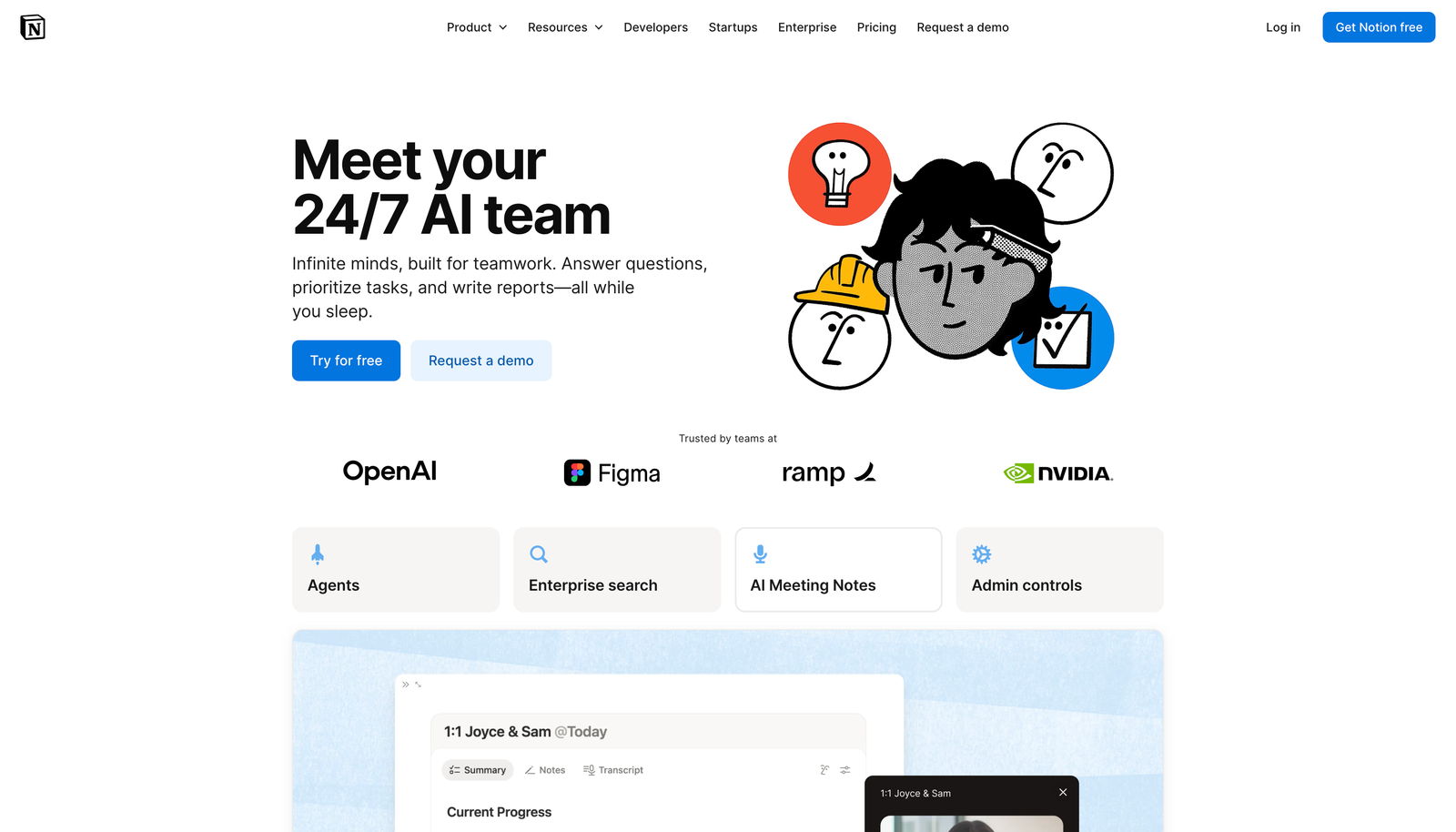
Notion AI is most useful when the context for your work already lives in Notion. Instead of copying notes into a separate chatbot, you can ask for a draft, a summary, a database structure, or an answer grounded in pages and connected tools you already use. Think of it as a helpful teammate inside your workspace—not a reason to stop reviewing important work.
What Notion AI is good for
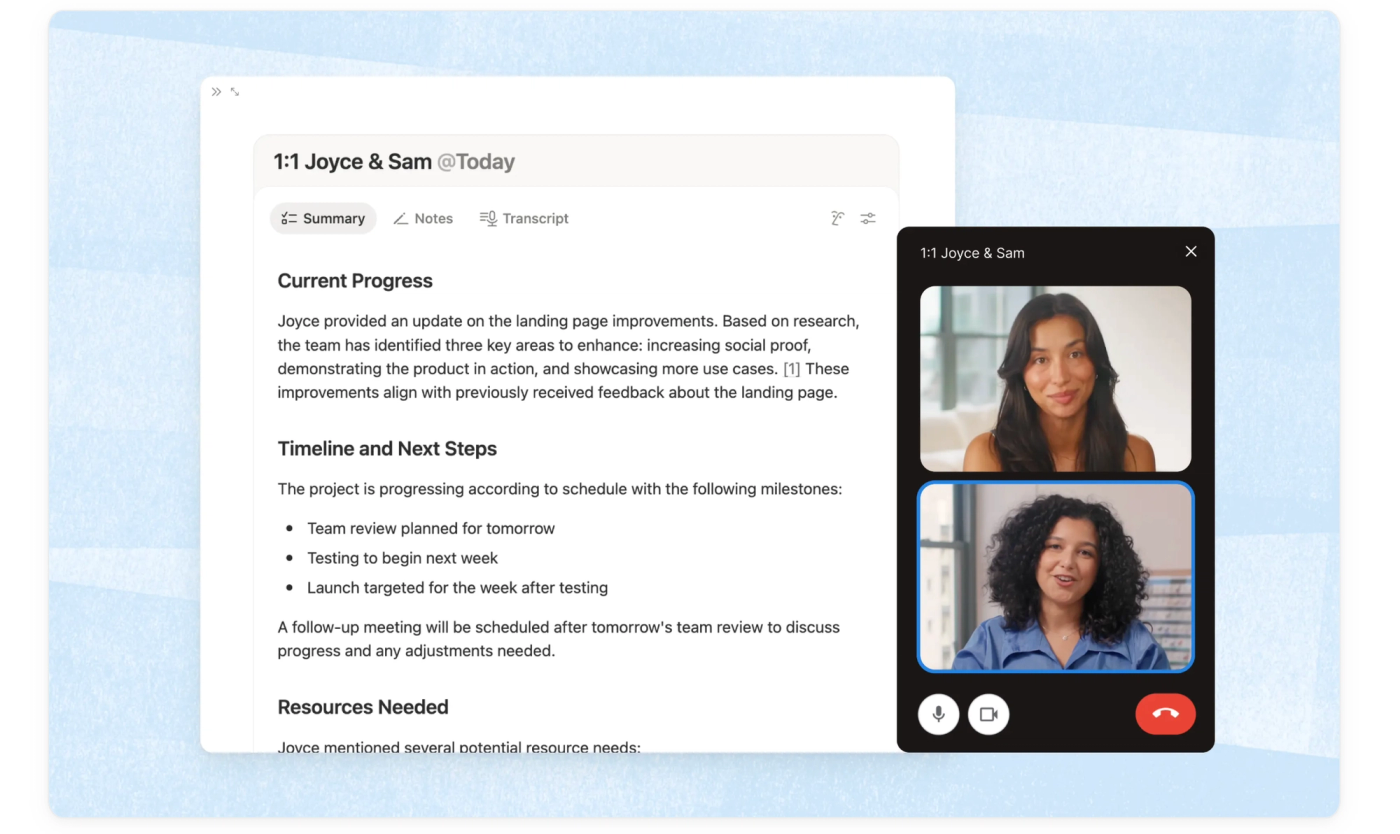
Notion AI can help draft and edit writing, search workspace knowledge and connected apps, create or populate databases, summarize and transcribe meetings, translate pages, and support deeper research. Its best results come from giving it the relevant page, project, and audience—not from treating it as a general answer machine with no context.
Start with a real workspace task
Use something you already need to do: turn meeting notes into decisions, turn a project brief into tasks, or turn scattered research into a draft. Ask for a specific output and tell it which source pages matter. That gives you an answer you can check against the original context.
A prompt you can adapt
“Using the meeting notes on this page, create a concise project update for the team. Include decisions, open questions, owners, and deadlines. Do not invent missing details; flag them as questions instead.”
A reliable review loop
Ask Notion AI to produce a first pass, then compare it with the original page before publishing or assigning anything. For factual updates, names, dates, promises, and customer-facing language, a human should make the final call. If the output is weak, improve the context or instruction rather than simply clicking “try again.”
Useful first experiments
- Turn raw meeting notes into a decisions-and-actions summary.
- Create a project database from a brief, then inspect every property and relation.
- Draft a first version of a status update in the tone your team actually uses.
- Ask a question about a focused workspace area, then open the cited source pages yourself.
Plans, platforms, and privacy
Notion AI is integrated into Notion’s workspace experience, with limited complimentary responses on Free and Plus plans and broader availability on Business and Enterprise plans. Notion is available on the web, macOS, Windows, iOS, and Android; mobile includes several direct ways to access Notion AI. Check the current product and plan details before making a team-wide decision, since features and limits evolve. For sensitive work, review workspace permissions and AI settings before sharing data with connected apps or web search.
The “don’t fall behind” habit
Pick one repetitive weekly task and run it through this workflow once. Keep the original beside the draft, review the differences, and decide whether it saved real time without lowering the quality bar. That is the skill: using AI where your own judgment still has the final word.