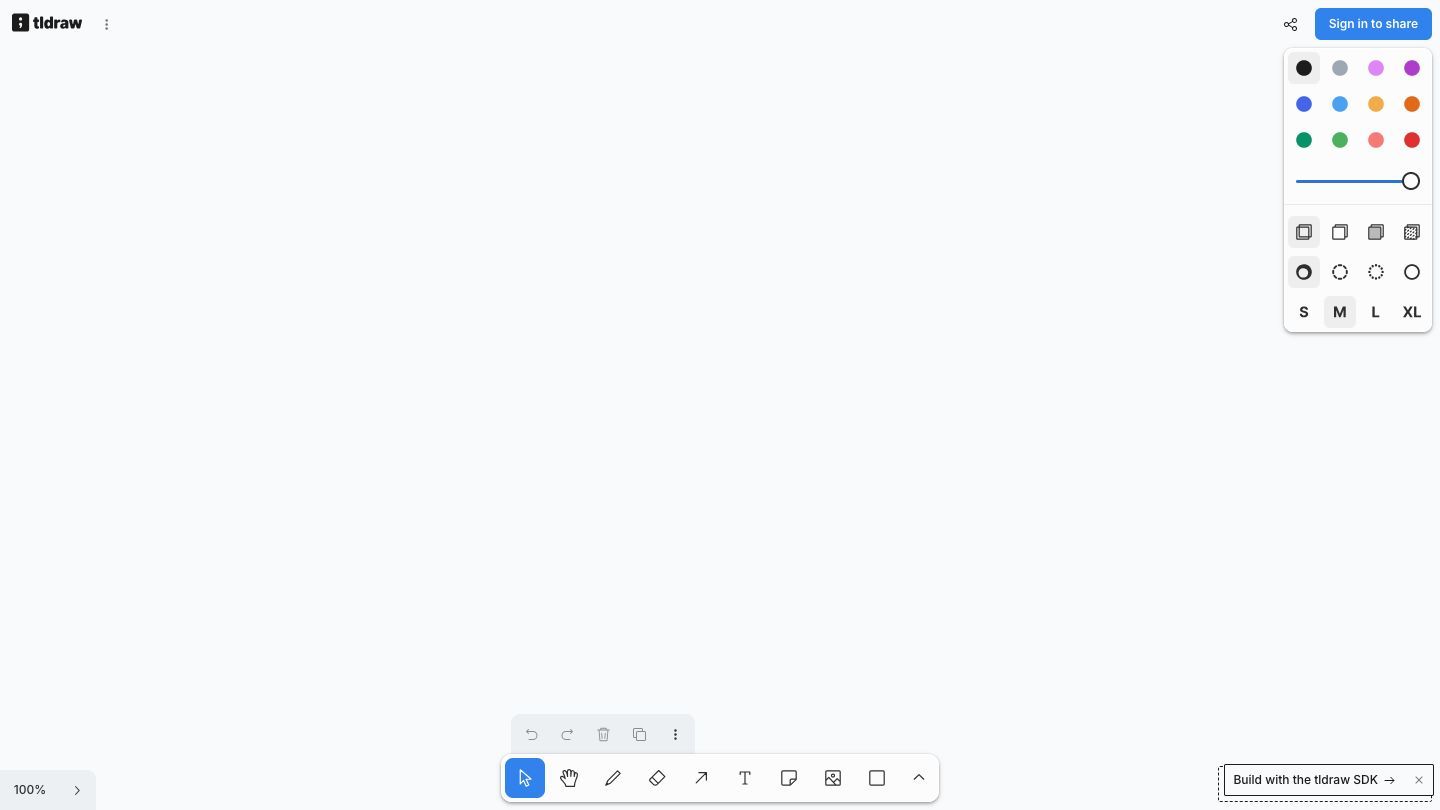

tldraw’s whiteboard is an infinite-canvas toolkit for building visual products in React, alongside a free collaborative whiteboard. It is a good fit when a diagram, planning surface, workshop board, or bespoke canvas needs to feel responsive without starting from a blank rendering engine.
When it is useful
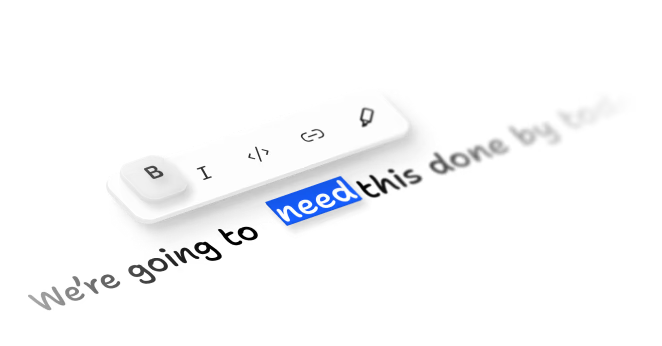
Use tldraw when the work benefits from spatial thinking: mapping a process, sketching a flow, running a shared workshop, or putting a custom diagramming surface inside a product. The SDK includes shapes, freehand drawing, arrows, rich text, media, embed support, and real-time collaboration building blocks; its UI and shape system are designed to be extended. See the whiteboard features for the official overview.
A practical first experiment
Start with the smallest useful canvas. In a React app, install the tldraw package, render the Tldraw component inside a container with an explicit size, and use the onMount callback only when you need programmatic control. For shared temporary rooms, the official quick-start guide demonstrates the @tldraw/sync demo hook; production collaboration needs your own persistence and access-control decisions. See the Quick Start for setup details.
A reliable canvas workflow
1. Name the job before drawing: decide whether the canvas is for exploration, a decision, or an artifact someone must use later.
2. Use a small visual vocabulary—notes for ideas, arrows for relationships, and frames for distinct sections—so collaborators can scan it quickly.
3. Turn the outcome into a durable next step: export or link the diagram, record the decision elsewhere if needed, and avoid treating a temporary whiteboard as the only system of record.
SDK API, platforms, and pricing
tldraw has a public runtime JavaScript API through its Editor instance, which can create and manipulate shapes, control selection and camera state, and respond to events. The SDK runs in React applications delivered on the web. tldraw’s pricing page offers a 100-day trial, hobby licensing, and commercial licensing with value-based pricing; confirm terms and current pricing directly with tldraw before a production rollout. Read the Editor API for implementation details.
Before shipping
Review the production license requirement early. tldraw’s official license guidance says a valid license key is needed for a production SDK deployment, while development environments work without one. Keep any product-specific data, permissions, persistence, and collaboration rules under your control rather than assuming the canvas provides them. See the license guide before shipping.
Official sources