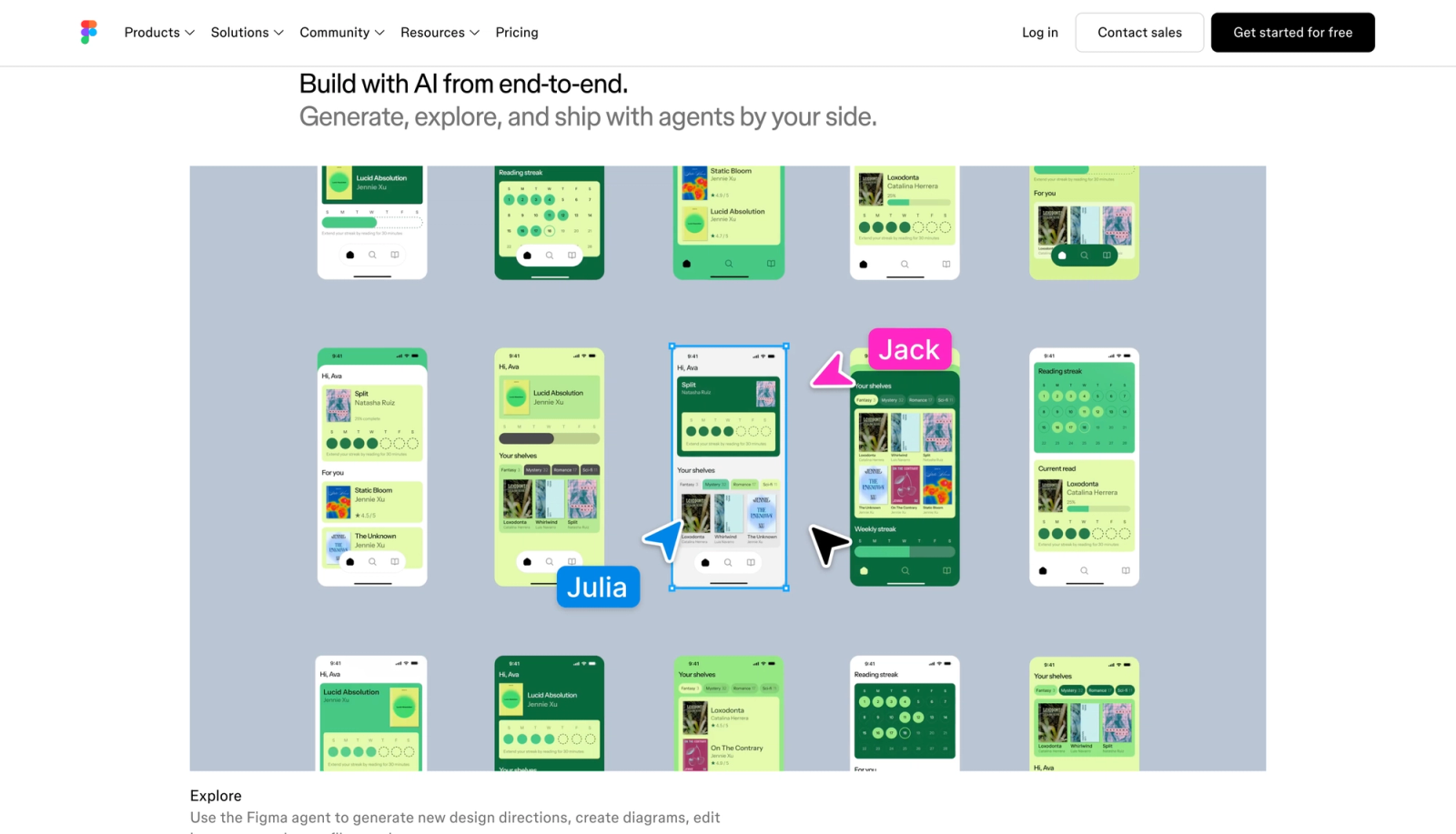

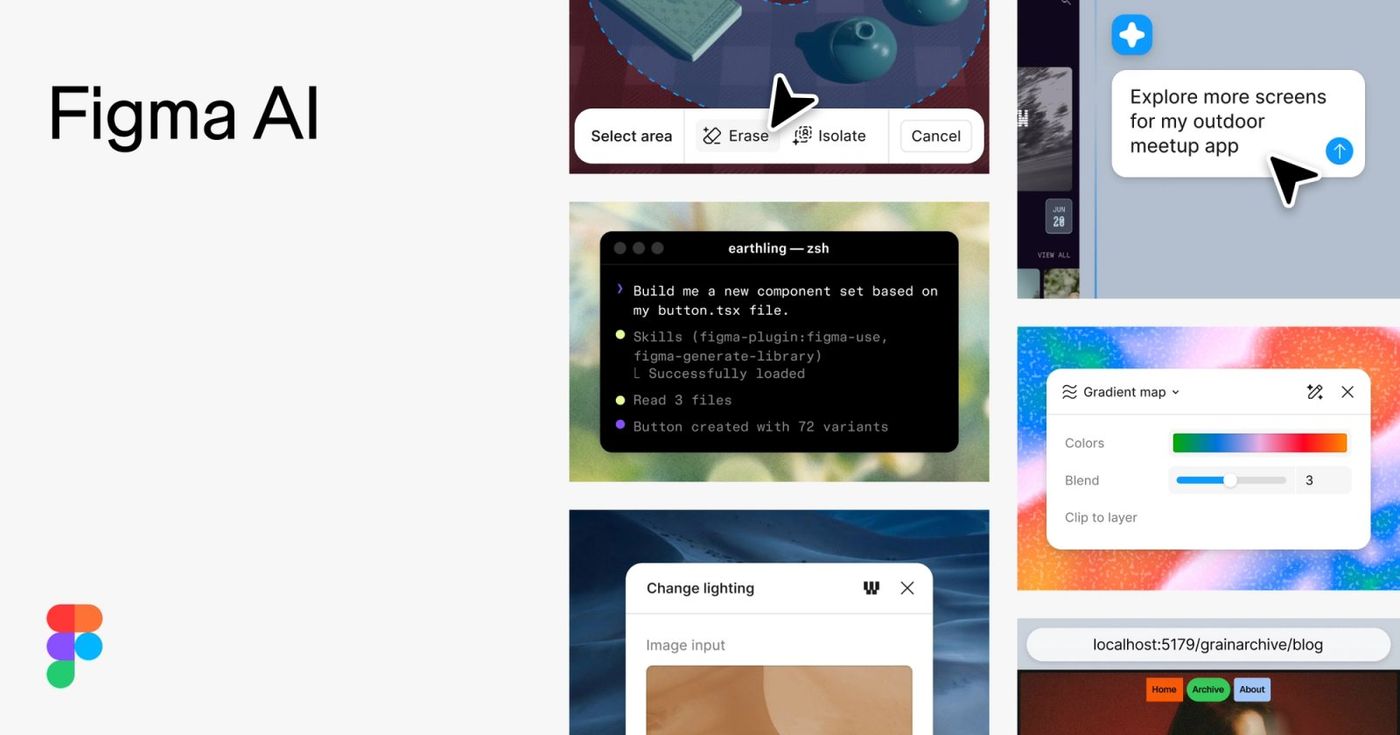
Figma AI is a set of AI-assisted features inside Figma’s collaborative design workspace. It helps teams get past the blank canvas: generating an early direction, creating or rewriting content, exploring interface ideas, and handling repetitive design work so people can spend more attention on the decisions that actually need taste and context.
What Figma AI is good for
Figma AI is most helpful when you already have a problem to solve and want to move from a rough idea to something your team can react to. Use it to make a first draft of a screen, turn a loose brief into starter copy, explore a few visual directions, or reduce the busywork in a design system. It is less useful when the question itself is unclear. AI can give you options, but it cannot decide who your customer is, what matters most, or whether a solution is understandable.
A good first project
Pick one small flow from a real product instead of trying to generate an entire app. For example: a sign-up screen for a community event, a dashboard empty state, or a checkout confirmation. Give Figma AI the audience, the job that person is trying to do, and the one action they should take next.
A prompt you can adapt
“Create a calm, accessible mobile screen for a first-time user who wants to save a recipe. Include a clear title, a short explanation, one primary action, and a secondary option to browse recipes. Use realistic placeholder text and make the hierarchy easy to scan.”
Then review it like a designer, not a spectator:
- Check whether the screen answers the user’s main question in the first few seconds.
- Replace generic copy and placeholder details with the language your audience actually uses.
- Test the states AI often skips: loading, no results, errors, success, and very long content.
- Bring the result back into your shared components and styles before treating it as production-ready.
Use AI to widen the options, then narrow with judgment
The useful loop is simple: ask for a focused draft, identify what is promising, and give a specific next instruction. “Make this better” leaves the tool guessing. “Keep the layout, reduce visual noise, make the main action more obvious, and rewrite the heading for someone who has never used this product” gives it a clear job.
This matters because design is not only about producing screens quickly. A fast first draft is valuable when it starts a better conversation with product, engineering, and customers. Keep the choices you can explain; discard the ones that merely look polished.

Work in the environment your team already uses
Figma is available in the browser and on desktop and mobile, so a rough idea can be reviewed where your team normally collaborates. That shared context is one reason to use AI inside Figma rather than treating generated work as an isolated image: teammates can comment, compare alternatives, and turn the selected direction into a reusable system.
A practical team workflow
- Write a one-sentence problem statement before generating anything.
- Generate two or three intentionally different directions, not ten minor variations.
- Invite feedback on the goal and the user flow before debating colors or decoration.
- Document the winning decisions in your components, copy guidance, or product notes.
Pricing and access
Figma has a free Starter plan as well as paid plans, and its current pricing page explains that AI access uses credits whose allocation varies by plan and seat. Check the plan details before building a workflow around a particular feature or credit allowance—those limits can change as Figma releases and revises products.
The “don’t fall behind” habit
Choose one design task from your actual week and use Figma AI to make a deliberately rough first pass. The goal is not to hand over your judgment. It is to practice directing an AI tool, spotting weak assumptions, and arriving at a better starting point sooner. That small amount of hands-on experience makes the technology far less mysterious—and much easier to use well when it matters.