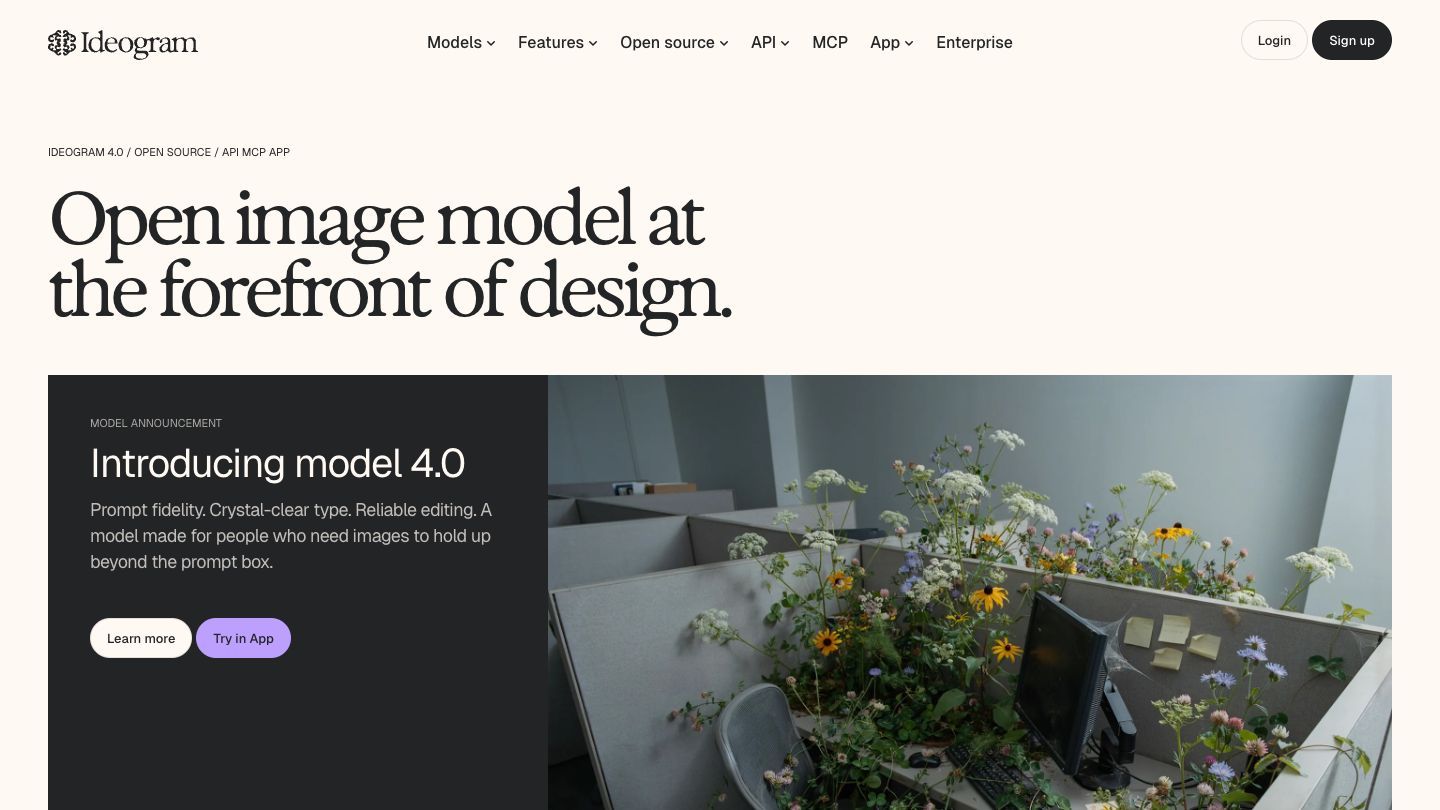

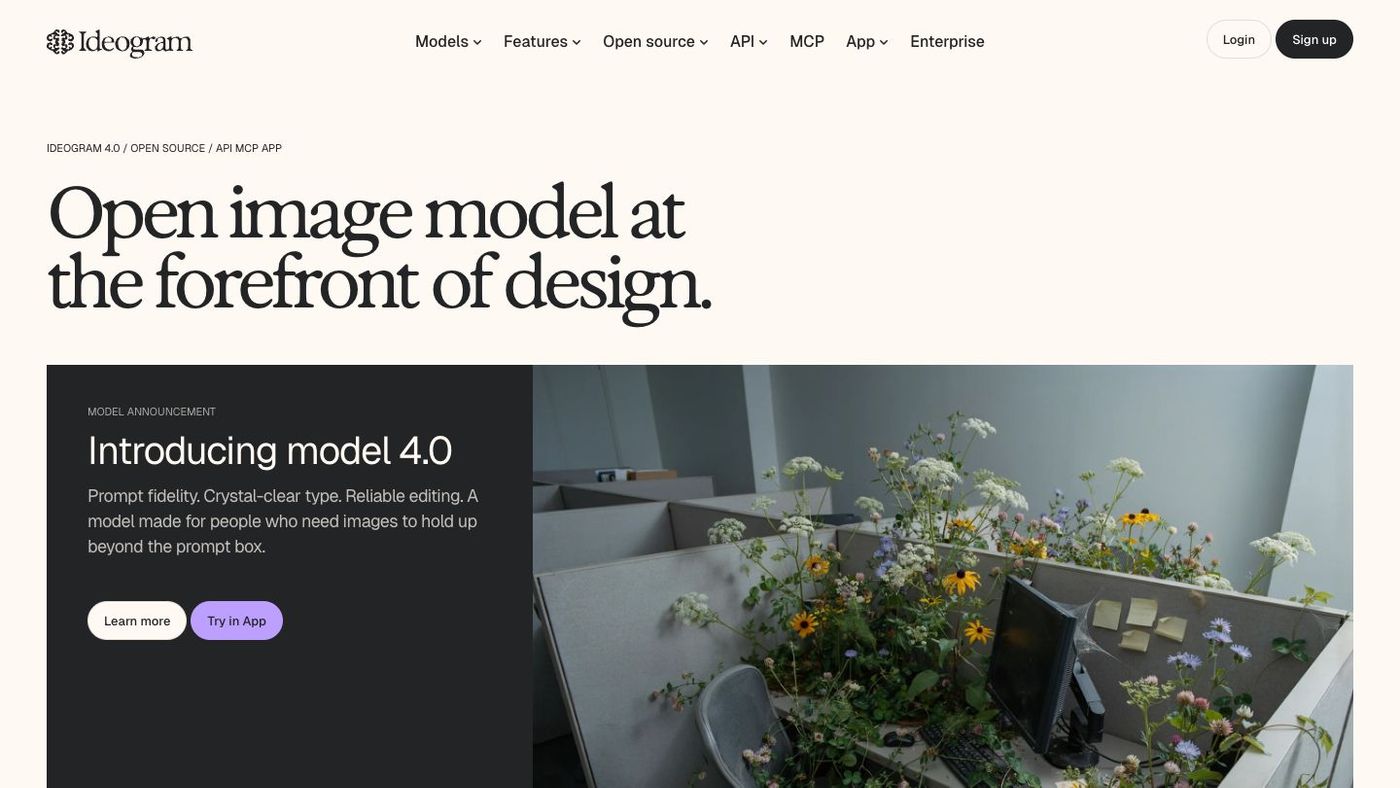
Ideogram is an AI image-generation tool built for turning a written idea into a visual you can actually use: a poster, a social image, a cover, a product scene, or a logo concept. Its particular strength is putting readable text inside images, which makes it a useful option when the words are part of the design—not an afterthought added in another app.
What Ideogram is good for
Ideogram is a strong place to start when you need an image with a clear visual direction and a small amount of important copy: campaign concepts, event posters, thumbnails, simple product visuals, or branded social assets. Its official product materials highlight text rendering, style control, background editing, and image workflows across the app and API. It can create a compelling first draft quickly, but the final choice still needs your taste: check the message, hierarchy, spelling, and whether the image feels right for the audience.
Start with the message, then describe the image
When text matters, write the exact words first and keep them short. Then give the model a clear job: the subject, setting, visual style, composition, and where the text belongs. A single, specific concept is easier to improve than a prompt that asks for a complete campaign all at once.
A prompt you can adapt
“A warm editorial poster for a community workshop. A small greenhouse at sunrise, rich green and cream palette, clean screen-print texture. Large readable headline: GROW TOGETHER. Smaller line below: Saturday, 10 AM. Leave generous space around the type.”
Before you generate, decide:
- What is the one thing a person should notice first?
- Which exact words must be correct?
- Should the result feel photographic, illustrated, minimal, playful, or editorial?
- Where will the image appear: a square post, a wide cover, a vertical story, or print?
Iterate like a designer, not a slot machine
Treat a generation as a draft. Keep the version whose composition is closest, then change one variable at a time: the colour palette, framing, headline, subject, or mood. Ideogram’s documentation covers tools such as image upload, background control, multiple aspect ratios, and prompt assistance, so you can use a reference image or make focused edits instead of starting from zero every time. Save the prompt that worked and write down why it worked. That small habit makes the next image faster and more consistent.
A quick quality check
- Read every generated word closely—especially names, dates, prices, and calls to action.
- Check whether the image still communicates at the size where it will be used.
- Look for accidental logos, odd hands, repeating objects, or misleading details.
- Use your own assets, licensed references, and brand guidelines when the work is public or client-facing.
App, API, and pricing
You can create directly in a browser and, according to Ideogram’s documentation, through its official iOS app. There is also a public developer API for product teams that need to generate, remix, edit, reframe, or handle backgrounds from their own workflows. The app has a free plan and paid subscription options; API use is priced separately, so check the current plans before committing a team or product workflow. Ideogram’s terms also make clear that you remain responsible for using the service and your content lawfully, including respecting third-party rights. That is a good reason to keep a human review step for anything sensitive, commercial, or brand-critical.
The “don’t fall behind” habit
Choose one real piece of communication this week—a presentation cover, event announcement, or social post—and make three clearly different visual directions. You do not need to publish any of them. The point is to learn how a better brief changes the result, then bring that sharper judgment to the next creative decision.