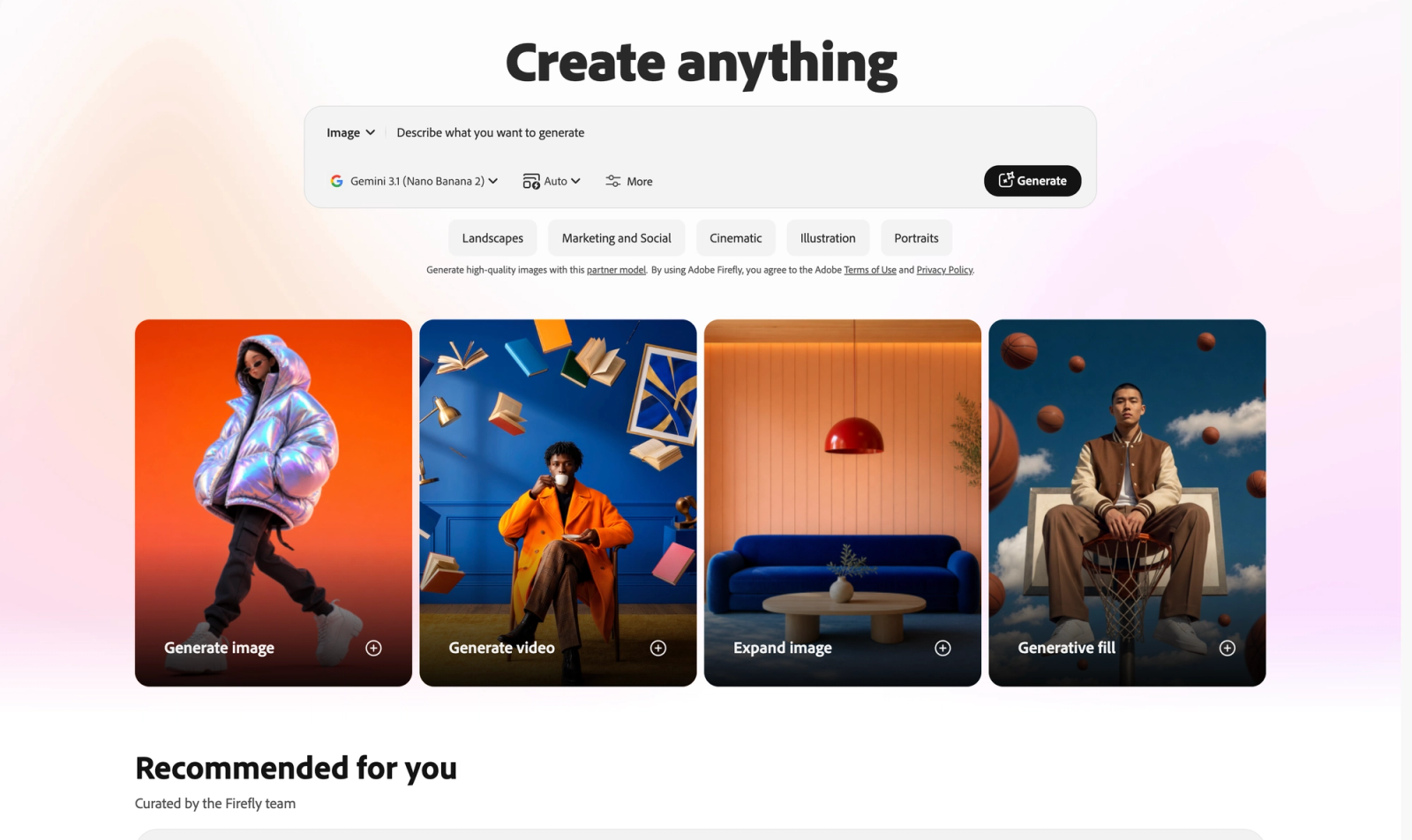

Adobe Firefly is a creative AI workspace for turning an idea into images, video clips, vectors, audio, and edited visuals. The approachable part is that you can start with ordinary language, then keep refining rather than needing to get a perfect result on the first try.
What Firefly is good for
Think of Firefly as a visual starting point, not a button that replaces your taste. It is especially useful when you need to explore several directions quickly: a concept for a social post, a rough campaign mood, an illustration for a presentation, or a missing visual element in an existing image.

Adobe’s current Firefly overview describes tools for generating images and video, editing images and video with prompts, creating vectors, building mood boards, translating media, and automating creative workflows. You do not need to use all of that. For most people, text-to-image and prompt-based image edits are a practical first step.
A simple way to start
- Pick one small outcome. Instead of asking for “a campaign,” ask for a single visual: “A warm, editorial-style hero image for a neighbourhood bakery’s autumn menu.”
- Add the details that affect the result: subject, setting, mood, composition, and intended format. “Wide website banner” is more useful than simply “an image.”
- Generate a few variations, choose the closest direction, then improve it with a more specific prompt or an editing tool. Your first generation is a sketch, not a final answer.
- Bring the result into the Adobe tools you already use when you need polish, layout, retouching, or final export.
Beyond images: where Firefly is heading
Firefly is no longer only a text-to-image tool. Adobe says the app brings together image, video, audio, vector, and design generation, while its Boards feature is designed for moodboarding and collaborative ideation. That makes it a useful place to go from a loose idea to a direction your team can react to.

When Firefly is a good fit
- Early-stage visual exploration, when it is faster to react to an image than explain one.
- Marketing, social, presentation, and product concepts that need several on-brand directions.
- Filling or extending a visual while keeping a human in control of the final choice and cleanup.
- Quick prototypes for people who have an idea but do not want to begin with a blank canvas.
Commercial use: useful context, not a shortcut around judgment
Adobe positions its Firefly models as commercially safe and says it uses content it has permission to use, including Adobe Stock, licensed material, and public-domain material. That is a meaningful consideration for business work, but it is still wise to review every output for accuracy, brand fit, recognizable people or products, and any rules that apply to your project. Treat “commercially safe” as useful product context—not a substitute for your own review or legal advice.
The habit that keeps you from falling behind
Do one real, low-stakes project in Firefly this week. Rebuild a presentation cover, explore three directions for a social post, or generate a visual reference for a project you are already working on. The goal is not to become an AI artist overnight. It is to learn where a fast visual draft can give your own ideas more momentum.