


01 · ON YOUR MAC
Gemini can now use your Mac for you
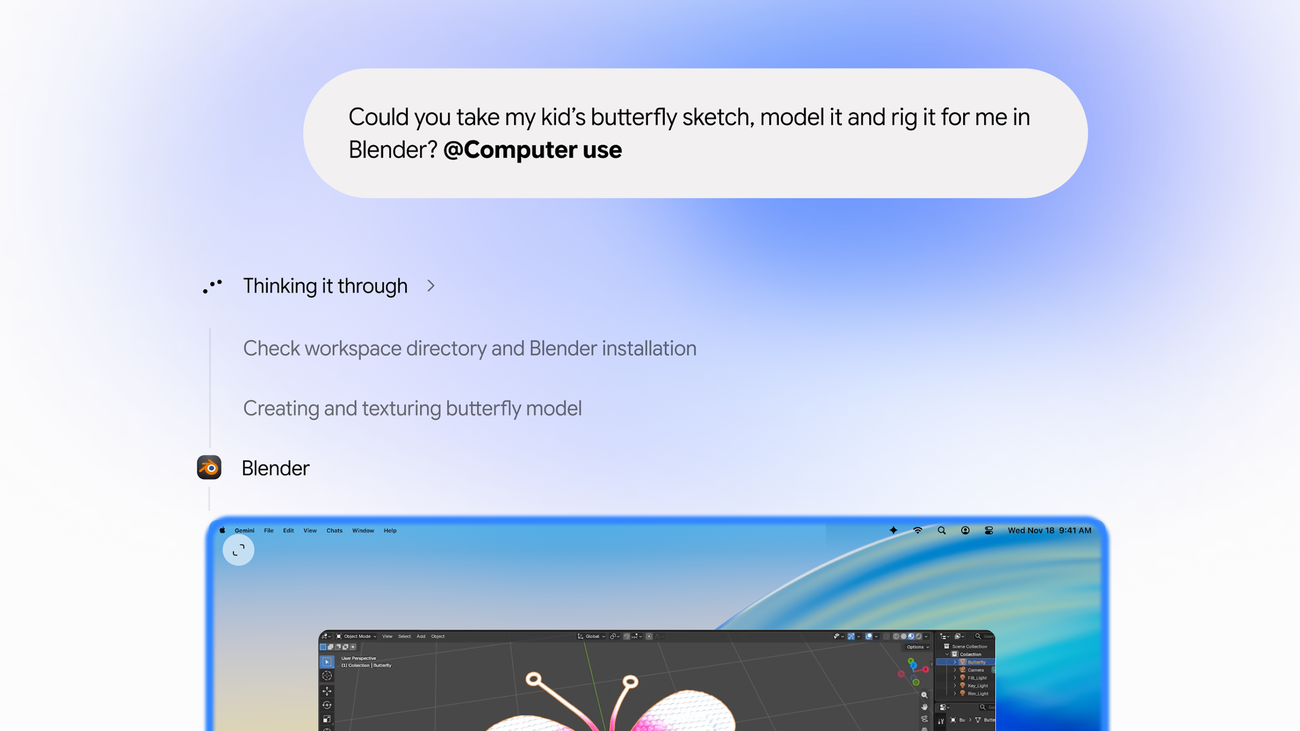
Computer use in Gemini for Mac. Image: Google. Image source
On November 19, Google gave the Gemini app for Mac a new skill: computer use. Gemini can now click, type and fill in forms in your apps and on websites to finish a task.
It works in a separate window in the background, so you can keep using your screen while you follow a live preview in the chat.
Why it matters: AI is moving from giving advice to doing the clicking. That saves time on boring, repetitive jobs.
You choose which apps Gemini may use, and you can stop it with one click. Experts warn that it can see logged-in accounts in the apps you allow, so give access carefully.
Can you use it? Only in the US for now, in English, for paying Google AI Plus, Pro and Ultra users on Macs with Apple chips.
02 · IN CHATGPT
ChatGPT now types while you talk

Photo: BoliviaInteligente on Unsplash. Image source
On November 18, OpenAI started rolling out Live Dictation in ChatGPT. Your words now appear on screen as you speak, instead of after you stop.
OpenAI also removed the old 10-minute limit, so you can talk for longer in one go.
Tap the microphone in the message box to start. Tap the sound wave to show or hide the text while you talk.
Why it matters: speaking is often faster than typing, and seeing the words appear makes it easier to catch mistakes.
Can you use it today? Yes. It is rolling out on all ChatGPT plans, including free, on phone, web and desktop.
03 · IN YOUR CHATS
Signal blocks AI assistants from reading your messages
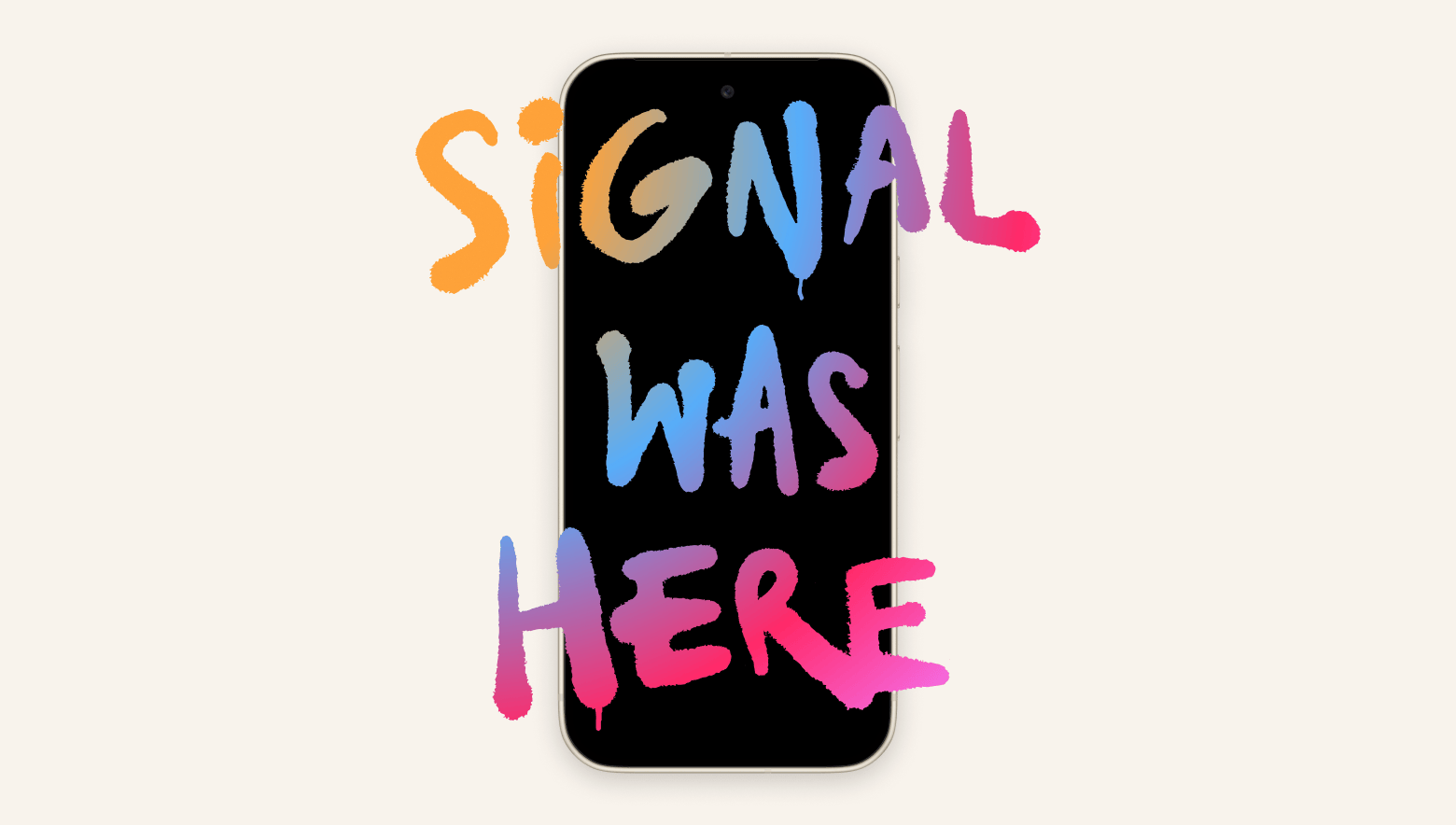
Signal privacy update. Image: Signal. Image source
On November 20, Signal said it will stop the AI assistants built into phones, like Siri AI and Gemini, from capturing your chats.
On iPhones with iOS 27, a new setting called Block Siri AI is on by default. On Android, Signal blocks screen capture when an AI assistant tries to read the screen.
The important limit: the setting also blocks your own screenshots in Signal. You can turn it off, but Signal warns this can expose your messages and your contacts’ messages to AI.
Why it matters: AI helpers that read your screen are useful, but private chats involve other people too. Signal admits the fix is not complete, for example on the Mac.
LEARN ONE THING · 60 SECONDS
Check what your AI assistant can see
AI assistants on phones and computers can more and more read your screen and use your apps. It is worth knowing what you have switched on.
Try this before your next task:
I use a [phone or computer model] with [assistant name]. Tell me step by step where I can see and change what this assistant is allowed to read or control.
Then turn off access for apps with private information, like banking or messages, unless you really need it.
Five minutes in your settings gives you more control.
Do you let AI read your screen?
Hit reply and tell us how you use it.
See you next time,
Artificialintelligence.ai
AI for everyone. Original sources and image credits accompany every story. Checked 23 November 2026.