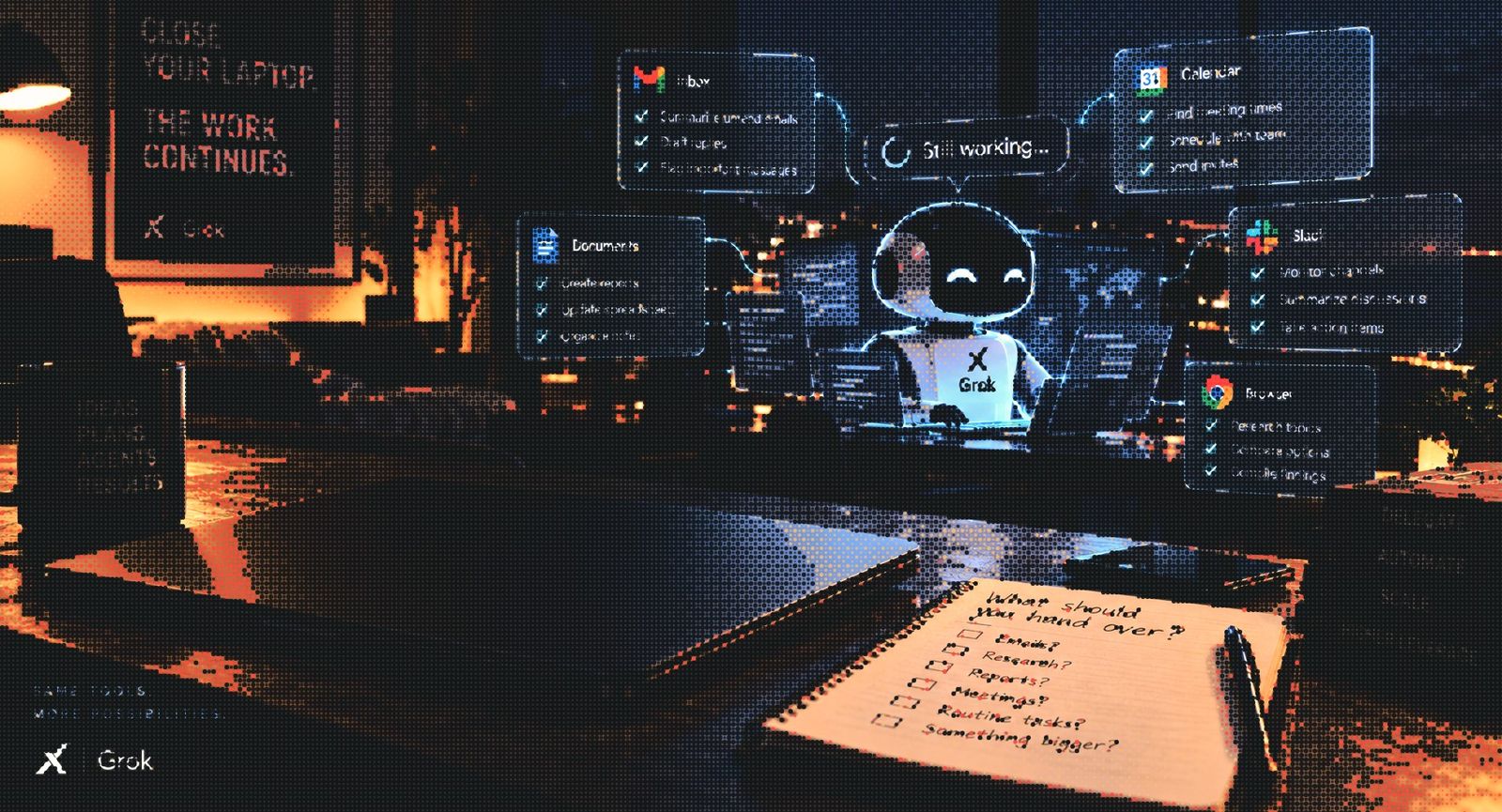

Close your laptop while an AI agent continues preparing tomorrow’s work. That is the practical appeal of Grok Bot: a place to give an agent a job, the tools to do it and a reason to return with something finished.
SpaceXAI launched Grok Bot in beta on August 11, 2026. Access expanded across SuperGrok and paid Cursor plans on August 26, followed by an enterprise release on September 3. The enterprise announcement added access, network and audit controls to the product’s pitch for workplace use. Read the access announcement and enterprise release.
Those releases make Grok Bot worth understanding beyond a demonstration. Its usefulness depends on what it can reach, what a finished task looks like and how much authority the person assigning it intends to hand over.
The work happens on a cloud computer
Grok Bot’s documentation describes agents that use a persistent cloud computer with a browser, files and a terminal. They can work inside connected services and browser-based applications, carrying a task across tools instead of leaving every step for the user to perform. See the product overview.
The cloud computer is also why closing the app or laptop does not stop a background task or routine. Several Bots can work in parallel and retain their own role context. Browser access has limits, however: websites can block automation, sessions can expire, and some steps require a person to take control. See the Grok Bot FAQ.
Consider preparing a customer meeting. The potential outcome is a brief assembled from current records, linked to its sources and saved where the team expects to find it. The useful unit of work is the completed brief. A long conversation explaining how to prepare one would leave the original job unfinished.
Different Bots share the same workspace
One architectural detail deserves particular attention. The security FAQ says each user receives an isolated cloud environment, but all Bots belonging to that user share its computer. Files, browser sessions and credentials available there should be treated as accessible across that user’s Bot roster. Read the security FAQ.
This makes handoffs convenient. A researcher can produce a file that a writing Bot uses next. Their separate names and conversations organize the work; they do not create separate access boundaries.
For example, naming one Bot “Client A researcher” and another “Client B researcher” does not isolate their files or logged-in services on the shared computer. Where work requires separate credentials and computer environments, the FAQ directs users to separate Cursor users.
Deleting a Bot also does not necessarily remove files and browser sessions from that shared environment. Ending access means addressing the connected accounts and working data as well as the Bot’s profile. See the access and privacy guidance.
The practical lesson is to decide what belongs together in the workspace before building a large team of specialized Bots.
Give the first Bot a job you can inspect
A sensible first assignment has a limited scope, a clear destination and an output that is easy to review. Here is an example brief for a project coordinator, using only material the organization has approved for this use:
Job: Prepare a weekly project brief from the specified project folder and meeting notes.
Deliverable: Save a draft with completed work, upcoming milestones, unresolved decisions and source links. Flag conflicting dates and missing owners.
Authority: Read the named sources and create the draft. Ask before editing project records or sending messages. Stop and report if required material is unavailable.
Finish: Return the draft link, the sources checked and the questions that still need a person.
This illustrative assignment makes success visible. The reviewer can check whether each milestone has evidence, whether uncertainty is preserved and whether the document landed in the right place.
It also prevents a common ambiguity: “keep the project moving” might mean summarize a blocker, message its owner or change a deadline. These are different actions with different consequences. A useful brief spells out which ones are included.
Build routines from work that already succeeds
The product distinguishes skills from routines. A skill describes how to perform work; a routine assigns a workflow and specifies when it should run, on a schedule or, where supported, after an event. The FAQ recommends testing the task before making it recurring. Read about skills and routines.
For the project brief, first check a single run. Then repeat it with a missing document, an outdated milestone or two sources that disagree. Those cases reveal whether the Bot preserves uncertainty or simply produces a tidy-looking report.
Once the output is dependable enough for the intended use, a routine can remove the need to remember the same request every week. Keep someone responsible for checking that the source folder, schedule and expected result still make sense.
Add another Bot when a distinct role earns its place. The product’s own guidance recommends a small roster, with one Bot responsible for the overall outcome and specialists added when needed. See how Bots are organized.
Approval rules and enterprise controls need a closer look
Grok Bot’s Auto Review is model-based. The documentation recommends narrow rules for actions such as sending, publishing or changing production systems, alongside limited account permissions. That makes review part of the setup, rather than something to infer from a Bot’s reassuring description. Read the approval guidance.
An instruction to “draft a reply” should lead to a draft that a person can inspect. If the job later includes sending replies, define the allowed recipients and situations explicitly, and check that the available approval rules reflect that decision.
Enterprise availability also does not mean every plan includes every administrative control. The team documentation lists network controls, audit logs and the organization-wide enable switch as Enterprise features. Teams and Enterprise share other settings, including Team Rules and public template-sharing controls. Review the plan-specific controls.
That distinction matters when moving from one person’s experiment to a company workflow. Product access and the ability to govern a rollout are separate things to verify.
Judge the handoff by what comes back
Grok Bot’s appeal is easy to understand: useful work can continue while its owner does something else. The harder test comes when that owner returns.
Is the result in the right tool? Can its claims be checked? Did it handle missing information sensibly? Did it stay within the authority it was given? How much correction does it still need?
Start with a job whose answers to those questions are easy to see. A reliable weekly brief, a documented comparison or a well-prepared draft can establish where delegation helps. From there, expand the scope based on completed work.
The most useful Bot roster may be a small one: a few clearly defined jobs, appropriate access and results that make the next human decision easier.


