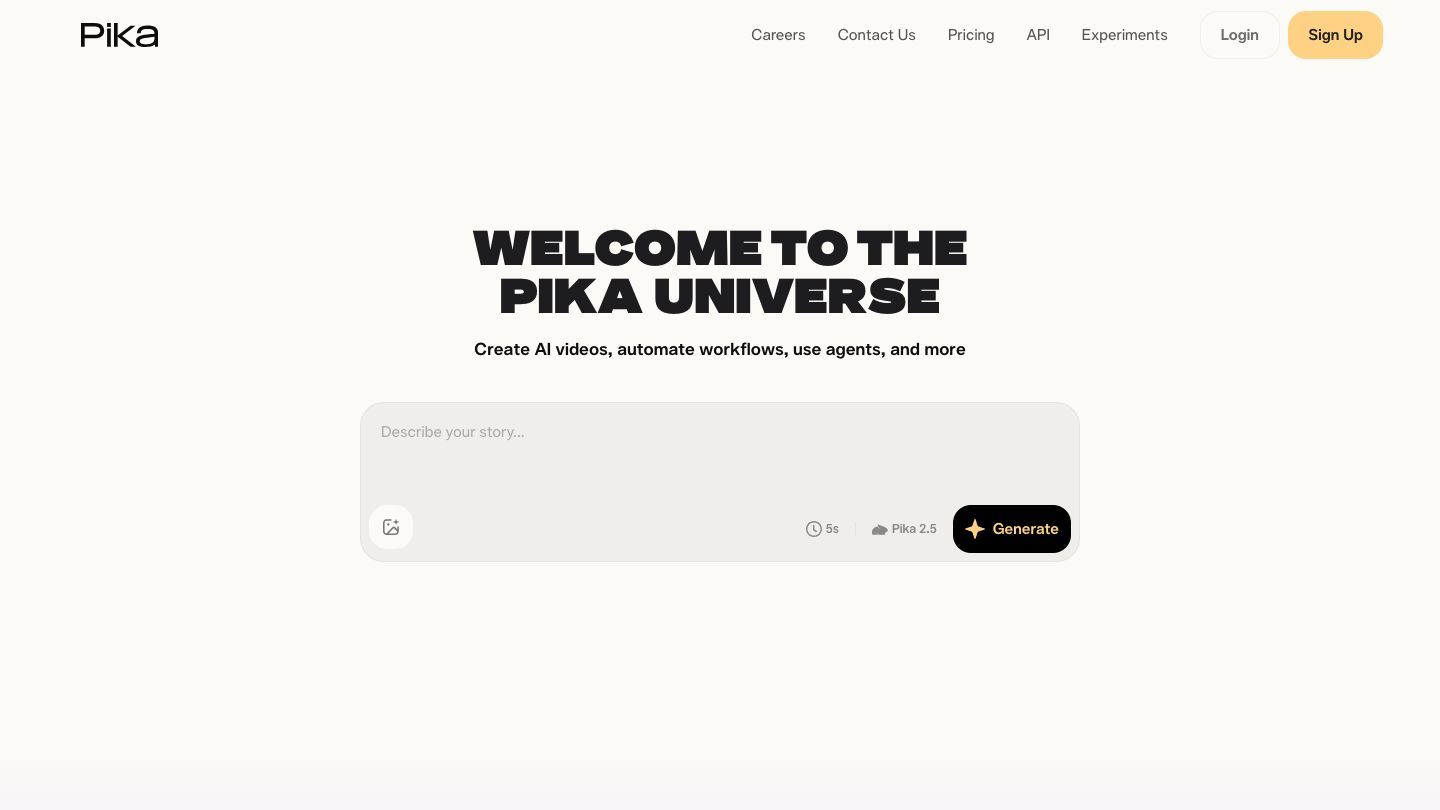

Pika is an AI video tool for turning a text idea, image, or existing clip into a short, animated video. It is especially useful when you need movement, a quick visual experiment, or a concept that is easier to understand as a clip than as a still image. The key is to start small: make one moment work before asking the tool to make an entire film.
What Pika is good for
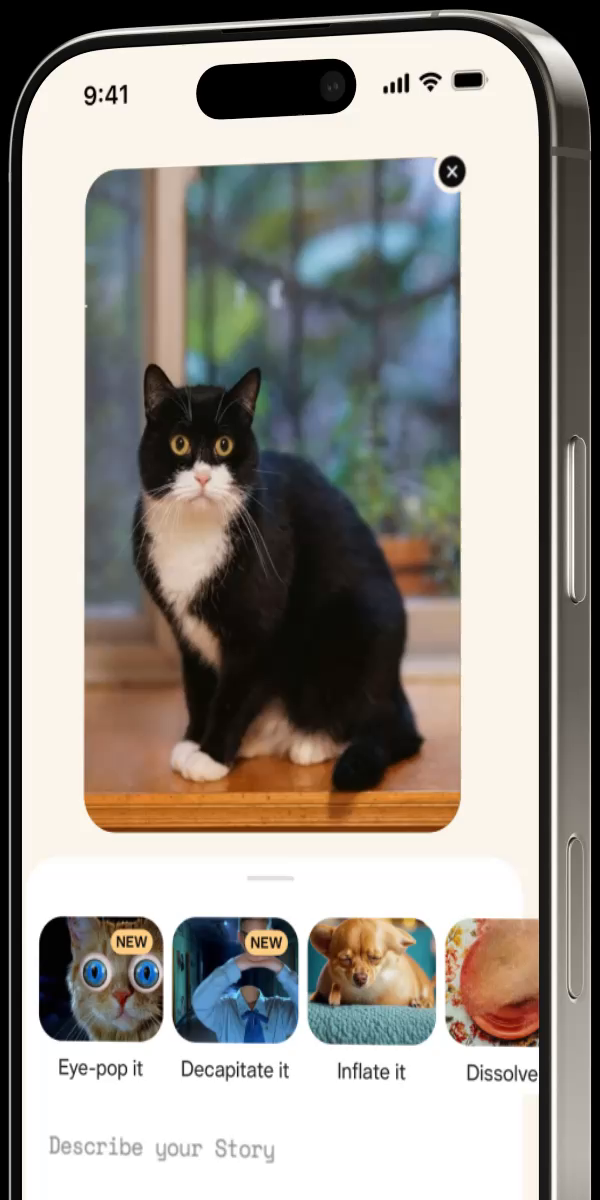
Pika is a good fit for short social clips, presentation moments, mood references, playful image edits, and early creative experiments. Its current product describes video generation from text, images, and video, as well as effects and tools for transforming a source clip. That makes it useful for exploring a visual direction quickly—but a generated clip still needs your judgment about pacing, story, brand fit, and whether you have the right to use the source material.
Start with one shot, not a whole story
A short, specific request usually beats a broad one. Instead of “make a cinematic ad,” describe one camera-ready moment: the subject, action, setting, camera movement, mood, and duration. You can then use that first result to decide what should happen before or after it.
A prompt you can adapt
“A close-up of a bright red umbrella opening in a rainy city street at dusk. Slow push-in camera movement, reflections on the pavement, warm shop lights in the background, gentle wind, cinematic but natural.”
When you review the result, ask:
- Does the first second make the subject and action clear?
- Is the motion helping the idea, or is it distracting from it?
- Would a viewer understand the clip without the prompt that created it?
- Are there visual glitches, confusing hands, text, logos, or background details that need another pass?
Build a reliable creative loop
Treat each generation as a draft. Keep the parts that work, name the one thing you want to change, and iterate. “Make it more energetic” is vague; “keep the street and umbrella, but speed up the opening action and use a lower camera angle” is a decision Pika can act on. Save the prompt and source image for any direction you may need to revisit.
Working responsibly with source material
Use images and video you made, licensed assets, or material you have permission to transform. Do not assume that a tool can erase rights, consent, or privacy concerns. Pika’s terms specifically place responsibility on users to make sure their inputs and outputs comply with applicable law and other obligations. That is especially important for recognizable people, client work, branded assets, and content you plan to publish or monetize.
Before you publish
- Check the clip frame by frame for visual artifacts and accidental text or logos.
- Confirm you have permission for every supplied image, clip, voice, and likeness.
- Keep your original source files and prompt history in case you need to revise the work.
- Use a human editor for factual, sensitive, or brand-critical content.
Pricing, mobile, and API access
Pika offers a free tier and paid plans that use video credits; features, resolution, speed, and credit costs vary by plan and generation type. The official FAQ also confirms that the same account can be used on the web and iOS app. For product teams that need programmatic video generation, Pika says its API is available through Fal AI. Check the current documentation and pricing before building production workflows around any of these options.
The “don’t fall behind” habit
Choose one low-stakes idea this week—a moving cover for a presentation, a five-second scene for a social concept, or a playful transition from an existing photo. The goal is not to replace a filmmaker. It is to learn what changes when you can test a visual idea in motion, then use that experience to make better creative decisions next time.